How to Compress Image to 50KB Free Online (JPEG, PNG, WebP)
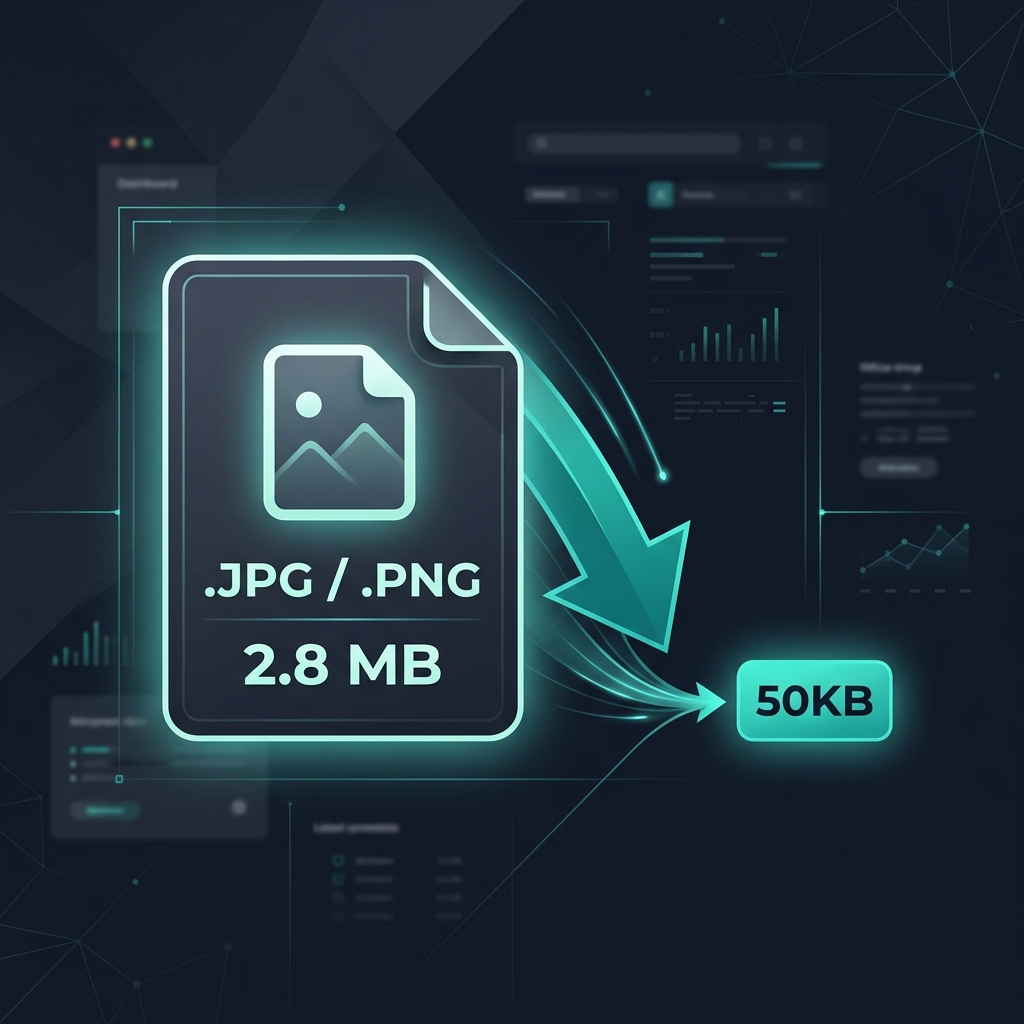
Getting a photo under 50KB sounds simple until you actually try it. Forms reject your file. The image looks broken after aggressive compression. Or you end up downloading five different apps that all require a sign-up. This guide shows you a cleaner way to get it done in under a minute, directly in your browser.
In this article
What 50KB Actually Means for Your Image
A kilobyte is 1,024 bytes of data. So a 50KB image limit means your file cannot exceed roughly 51,200 bytes. That is a tight ceiling. For context, a photo taken on a modern phone typically sits between 3MB and 8MB, which is anywhere from 60 to 160 times larger than the limit.
The reason forms and portals set this limit has nothing to do with making your life harder. It is about loading speed and storage. A 50KB image loads in milliseconds even on a slow mobile connection. It costs almost nothing to store at scale. And for small display sizes like profile photos or thumbnails, 50KB is genuinely enough to look sharp.
A 50KB JPEG at 600x600 pixels looks perfectly clean on any screen. The quality difference compared to a 3MB original is invisible at that size.
The interesting part is that compression does not just throw away pixels. It reduces redundant data inside the file. A sky that is one consistent shade of blue, for example, does not need to store each pixel individually. JPEG encoding finds patterns like that and represents them with far less data, which is how you get dramatic size reductions without obvious quality loss.
How to Compress an Image to 50KB, Step by Step
The fastest method that keeps your file private is to use Imageconvertix's free image compressor. It runs entirely in your browser. Nothing gets uploaded to any server, which matters when the image is an ID photo or a document scan.
Go to Imageconvertix.com. No account, no login, nothing to install.
Drag your JPEG, PNG, or WebP file onto the drop zone. You can also paste from clipboard if you just took a screenshot.
For most photos, this range brings a 1MB to 3MB file down to 40KB to 70KB. If the original is larger, start at 45 percent and adjust from there.
Look at the side-by-side comparison. For headshots and profile photos at this quality level, the difference is barely noticeable.
Hit Download. The file saves to your device. Done in under a minute.
JPEG, PNG, WebP: Which One Gets There Easiest?
The format you are working with makes a significant difference. Not every image type compresses the same way.
JPEG
JPEG is the easiest format to compress to 50KB. It uses lossy compression, meaning it discards some image data permanently in exchange for a much smaller file. For photographs with lots of colour and detail, this is the right tool. A typical 2MB JPEG portrait can reach 45KB at around 60 percent quality with very little visible change.
PNG
PNG uses lossless compression. It does not throw away any data, which is great for quality but makes it hard to shrink below 50KB unless the image is already small or graphically simple. If someone sends you a PNG and the form wants 50KB, the practical solution is to convert it to JPEG first. You can do that with the PNG to JPEG converter in our tools, then compress from there.
WebP
WebP was built by Google specifically to be smaller than JPEG at the same quality level. In practice, a WebP file at 60 percent quality tends to be 25 to 35 percent smaller than an equivalent JPEG. If the platform accepts WebP, it is worth using. Most modern browsers support it fully.
| Format | Compression type | Reaches 50KB easily? |
|---|---|---|
| JPEG | Lossy | Yes, with quality at 50 to 65% |
| WebP (lossy) | Lossy | Yes, often smaller than JPEG |
| PNG | Lossless | Only for small or simple images |
Tips That Actually Work When Nothing Else Does
Sometimes adjusting the quality slider is not enough. Here are a few things that actually move the needle.
Resize the image first
File size scales with pixel count. A 4000x3000 image has 12 million pixels. A 600x450 version has 270,000 pixels. That is a 44x reduction in raw data before compression even starts. For anything displayed at a small size, like a profile photo or a form upload, 600px wide is more than enough resolution.
Strip hidden metadata
Photos taken on a phone carry EXIF data inside the file. This includes the GPS location, camera model, shutter speed, date, and sometimes even a thumbnail copy of the image. That metadata can add 5KB to 20KB on its own. A good compressor removes it automatically, and Imageconvertix does exactly that.
Convert PNG to JPEG before compressing
If you are working with a PNG and struggling to get below 50KB, do not fight the format. Convert to JPEG first with the format converter, then compress. Two quick steps beat spending twenty minutes trying to shrink a lossless file that does not want to be small.
Quick reference: For a profile photo, resize to 600x600 pixels and set quality to 60 percent. For a document scan, resize to 800px wide and quality at 50 percent. Both reliably land under 50KB for typical photos.
Consider using WebP if the platform allows it
If you have flexibility on format, WebP will get you to 50KB at a noticeably higher quality than JPEG. The difference becomes clear on images with sharp text or fine details. Use the JPEG to WebP converter to switch formats in seconds.
Common Questions Answered
Keep Reading
Ready to Compress Your Image?
Free, private, and no account needed. Works with JPEG, PNG, and WebP right in your browser.