WebP vs AVIF: Which Image Format Should You Use in 2026?

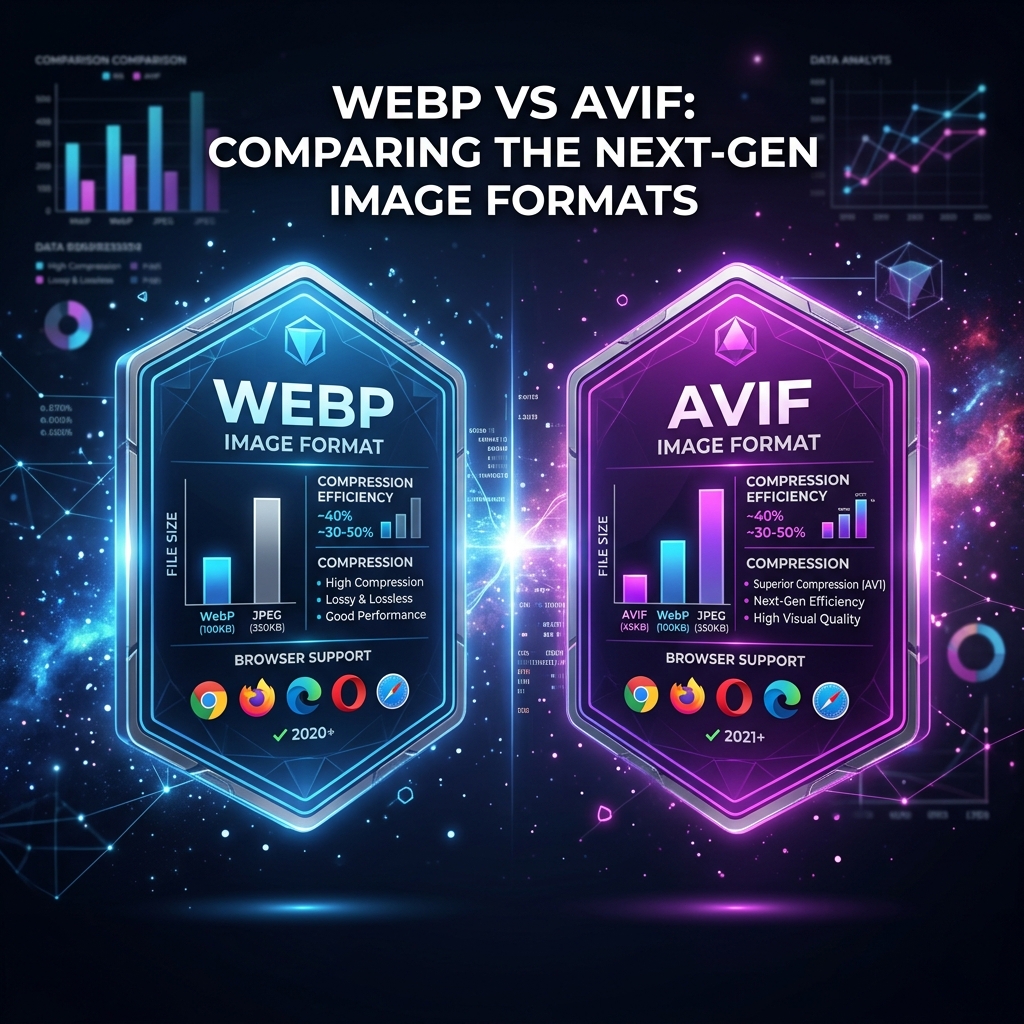
Two modern image formats, WebP and AVIF, now dominate the conversation about web performance. Both beat JPEG decisively on compression. Both support transparency and animation. Both are supported by all major modern browsers. But they differ significantly in compression efficiency, encoding speed, and practical suitability for different scenarios.
This guide gives you a complete, data-backed comparison to help you make the right choice for your website, app, or image workflow in 2026.
What Is WebP?
WebP is an image format developed by Google and released in 2010. It uses the VP8 video codec for lossy compression and LZ77-based compression for lossless encoding. WebP was designed as a direct replacement for JPEG (for photos) and PNG (for graphics), offering significantly better compression in both modes.
Key WebP facts:
- Developed by Google, based on VP8 video codec technology
- Supported by 97%+ of all browsers worldwide (including Safari since 2020)
- 25–35% smaller than JPEG at equivalent quality
- Supports transparency (alpha channel), unlike JPEG
- Supports animation, can replace GIF with far smaller files
- Fast encoding, typically 2–5× faster to encode than AVIF
What Is AVIF?
AVIF (AV1 Image File Format) is a newer format based on the AV1 video codec, developed by the Alliance for Open Media (AOMedia), a consortium including Google, Apple, Microsoft, Netflix, and Amazon. Released in 2019, AVIF represents the current state of the art in image compression.
Key AVIF facts:
- Based on AV1 video codec, the most advanced open video compression standard
- Supported by 90%+ of modern browsers (Chrome, Firefox, Safari 16+, Edge)
- 30–50% smaller than JPEG at equivalent quality
- Significantly better than WebP at aggressive compression settings
- Supports HDR, wide color gamut (P3, Rec. 2020), and 10/12-bit depth
- Slower encoding, AV1 is computationally intensive
Head-to-Head Comparison
| Feature | WebP | AVIF |
|---|---|---|
| Compression (vs JPEG) | 25–35% smaller | 30–50% smaller ✓ |
| Encoding Speed | Fast (2–5× faster) ✓ | Slow (AV1 intensive) |
| Browser Support | 97%+ (broader) ✓ | 90%+ modern browsers |
| Transparency | Yes ✓ | Yes ✓ |
| Animation | Yes ✓ | Yes (AVIS) ✓ |
| HDR / Wide Gamut | Limited | Full HDR / P3 support ✓ |
| Lossless Mode | Yes ✓ | Yes ✓ |
| Progressive Loading | No | Yes (tiling) ✓ |
| Open / Royalty-free | Yes ✓ | Yes ✓ |
| Maturity | 14 years (stable) ✓ | 7 years (newer) |
Compression Quality: Real-World File Size Comparison
Numbers are the most honest way to compare formats. Here's what you can typically expect converting a high-quality JPEG photograph (original: 2.4 MB at 4000×3000px):
- JPEG quality 80: ~450 KB, baseline
- WebP quality 80: ~310 KB, 31% smaller than JPEG
- AVIF quality 80: ~220 KB, 51% smaller than JPEG
- AVIF quality 60: ~120 KB, 73% smaller than JPEG, still good visual quality
AVIF's advantage is most dramatic at lower quality settings. At quality 60–70, AVIF maintains better perceptual quality than WebP at the same setting, because its AV1-based algorithm uses better perceptual quality metrics (SSIM, VMAF) when deciding what to discard.
✅ Choose WebP When…
- You need fast encoding (build pipelines, real-time)
- Maximum browser compatibility is required
- You're replacing GIF with animated images
- Moderate compression improvement is sufficient
- You're working with a CDN that doesn't support AVIF yet
🚀 Choose AVIF When…
- Maximum compression is the priority
- You serve high-traffic pages where bandwidth costs matter
- You display HDR content or wide-gamut photos
- You can pre-encode images at build time (offline)
- Your audience uses modern browsers (2022+)
The Best of Both: Using picture Element with Fallback
The practical 2026 answer is: use both. The HTML <picture> element lets you serve AVIF to browsers that support it and fall back to WebP (or JPEG) for others, with zero JavaScript needed:
<picture>
  <source srcset="hero.avif" type="image/avif">
  <source srcset="hero.webp" type="image/webp">
  <img src="hero.jpg" alt="Hero image" loading="lazy">
</picture>
This pattern delivers the smallest possible file to every user while maintaining 100% compatibility, even with browsers that support neither WebP nor AVIF (very rare in 2026, but covered by the JPEG fallback).
How to Convert Images to WebP or AVIF for Free
Imageconvertix converts any image to WebP or AVIF entirely in your browser, no upload, no account, no cost. The Image Converter tab supports conversion to AVIF, WebP, JPEG, PNG, BMP, TIFF, and more.
- Open Imageconvertix Image Converter
- Select AVIF or WebP from the format grid
- Drop your images (JPEG, PNG, or any supported format)
- Download your converted files individually or as a ZIP
💡 Pro tip: Convert to AVIF first. If the output looks good (check at 100% zoom), you're done. If you need faster encoding for a CI/CD pipeline, switch to WebP.
Browser Support in 2026: Who Still Can't Use AVIF?
The remaining 10% of browsers without AVIF support are primarily older Safari versions (pre-16), Internet Explorer 11 (still used in some enterprise environments), and some older Android WebView instances. For most public-facing websites targeting general consumers, AVIF coverage is now effectively universal.
For enterprise or internal tools where IE11 usage may still exist, stick with WebP + JPEG fallback. For consumer web apps and marketing sites in 2026, AVIF + WebP fallback is the optimal strategy.
Frequently Asked Questions
Is AVIF better than WebP?
AVIF achieves better compression than WebP, typically 30–50% smaller files at equivalent visual quality. However, WebP encodes faster and has broader browser support (97%+ vs 90%+). For maximum compression, choose AVIF. For speed and compatibility, choose WebP.
Should I use WebP or AVIF for my website in 2026?
Use AVIF as primary with WebP fallback via the HTML <picture> element. This delivers the best compression to modern browsers while maintaining compatibility for all users.
Does Safari support AVIF?
Yes. Safari has supported AVIF since version 16 (released September 2022), covering all modern macOS (Ventura+) and iOS 16+ devices.
What is WebP and why is it better than JPEG?
WebP is a modern image format by Google using the VP8 codec. It achieves 25–35% smaller files than JPEG at equivalent visual quality, plus supports transparency and animation, features JPEG lacks entirely.
Can I convert JPEG to AVIF or WebP for free?
Yes. Imageconvertix converts JPEG, PNG, and other formats to WebP and AVIF entirely in your browser, free, private, and with no upload required. Open the Image Converter and select your target format.
Convert Your Images to WebP or AVIF, Free
Browser-based, private, instant. No upload, no account, no watermark. Try all formats.
Convert to AVIF Free →Related: Image Compression Guide · Image SEO Guide · Batch Processing