Optimize Images for Web: The Complete SEO Guide for 2026

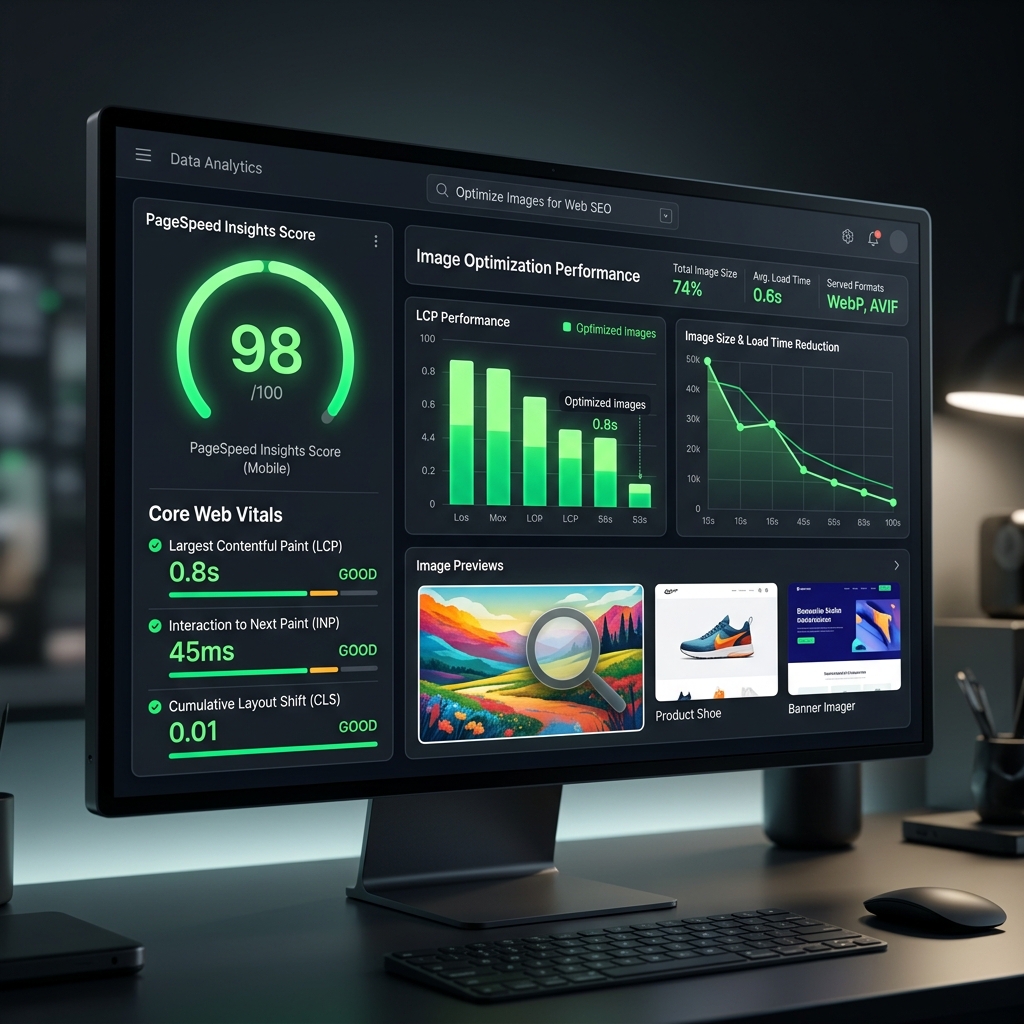
Images are simultaneously the most powerful visual element on a webpage and the most common reason for poor search rankings. Google's Core Web Vitals has made page speed a direct ranking factor, and in most cases, images are the single biggest cause of slow load times.
This guide covers everything you need to know about image SEO in 2026: the technical fundamentals, the right formats, how to write effective alt text, responsive image techniques, and the exact steps to compress and optimize your images for maximum search performance.
Why Images Are the Biggest SEO Opportunity on Most Websites
Analysis of millions of web pages consistently shows that images account for 50–70% of total page weight on average. Yet most websites still serve oversized, unoptimized images in legacy formats. This creates a performance gap that savvy competitors exploit.
Optimizing images delivers benefits across multiple SEO dimensions simultaneously:
- Faster LCP (Largest Contentful Paint), directly improves Core Web Vitals score
- Lower bandwidth consumption, critical for mobile users on 3G/4G connections
- Image search traffic, properly tagged images appear in Google Image Search
- Better user engagement, faster pages reduce bounce rate and increase time-on-page
- Accessibility, descriptive alt text benefits both screen reader users and search crawlers
Understanding Core Web Vitals and Images
Google's Core Web Vitals are three metrics measuring real-world user experience. Images directly impact two of them:
Largest Contentful Paint
Time until the largest visible element loads. Hero images are most often the LCP element. Target: <2.5s
Cumulative Layout Shift
Visual instability when images load without reserved dimensions. Always specify width/height. Target: <0.1
Interaction to Next Paint
Indirectly affected by heavy images blocking the main thread. Use Web Workers for processing. Target: <200ms
📊 Real impact: Improving LCP from "Needs Improvement" to "Good" (under 2.5s) correlates with a 15–20% reduction in bounce rate and measurable ranking improvements for competitive keywords.
Step 1: Compress Images Before Uploading
The single highest-impact action you can take is compressing every image before it goes on your website. The target file sizes for web images in 2026:
- Hero / banner images: Under 150 KB (WebP/AVIF, quality 75, max 1920px wide)
- Blog content images: Under 100 KB (WebP, quality 80, max 1200px wide)
- Product thumbnails: Under 30 KB (WebP, quality 80, 400–600px)
- Profile photos / avatars: Under 15 KB (WebP, quality 75, 200px)
- Icons and logos: SVG preferred; PNG lossless under 20 KB if SVG unavailable
Use Imageconvertix to compress images in your browser with adjustable quality settings and real-time file size feedback, free, private, no upload required.
Step 2: Choose the Right Format
Format choice is the second most impactful image optimization decision after compression level:
- AVIF: Best compression for photos and complex images. Use as primary with WebP fallback.
- WebP: Excellent compression, near-universal support. Best safe default for all content.
- SVG: Perfect for logos, icons, and geometric graphics. Scales infinitely with zero quality loss.
- PNG: Use only when transparency is needed and WebP isn't an option.
- JPEG: Legacy only, for email or systems where modern formats aren't supported.
- GIF: Replace with WebP animated or video element for dramatically smaller file sizes.
Step 3: Write Descriptive, Keyword-Rich Alt Text
Alt text serves two functions: it describes images to screen reader users (accessibility) and tells search engines what the image depicts (SEO). Both matter.
Alt text best practices:
- Be specific and descriptive: describe what is actually in the image
- Naturally include relevant keywords, don't force them if they don't fit
- Keep it under 125 characters (screen reader limit)
- Don't start with "Image of…" or "Photo of…", screen readers already announce it's an image
- Use empty alt="" for decorative images (icons, dividers) that add no content value
<!-- ❌ Bad alt text -->
<img src="shoe.jpg" alt="shoe image keyword keyword buy">

<!-- ✅ Good alt text -->
<img src="shoe.webp" alt="Nike Air Max 270 in white and blue on grey background">
Step 4: Implement Lazy Loading for Off-Screen Images
Native lazy loading is now supported by all modern browsers and requires a single HTML attribute. Images below the fold should never be loaded until the user scrolls near them:
<img src="product.webp" alt="Product description" loading="lazy" width="800" height="600">
Always specify explicit width and height attributes, this reserves space in the layout before the image loads, preventing Cumulative Layout Shift (CLS) which hurts your Core Web Vitals score.
Exception: Never apply loading="lazy" to the LCP image (your hero or first visible image). This paradoxically delays the most important image. Use loading="eager" or omit the attribute for above-the-fold images.
Step 5: Use Responsive Images with srcset
Serving a 1920px image to a mobile user displaying it at 400px wastes bandwidth and hurts mobile LCP. The srcset attribute lets browsers choose the right size automatically:
<img
  src="hero-800.webp"
  srcset="hero-400.webp 400w, hero-800.webp 800w, hero-1600.webp 1600w"
  sizes="(max-width: 600px) 100vw, (max-width: 1200px) 80vw, 1200px"
  alt="Hero image description"
  width="1600" height="900"
  loading="eager"
>
This pattern alone can reduce mobile image payload by 60–80% for users on smaller screens, dramatically improving mobile LCP scores and reducing data costs for your users.
Step 6: Preload Your LCP Image
For your hero or above-the-fold image, add a <link rel="preload"> in the document <head> to instruct the browser to fetch it at the highest priority before it discovers the image in the HTML body:
<link rel="preload" as="image" href="hero.avif" type="image/avif">
This single technique can reduce LCP by 200–500ms on pages with a large hero image, which is often the difference between a "Good" and "Needs Improvement" score.
Step 7: Add Image Structured Data
For pages with important images (product pages, recipes, articles), add ImageObject structured data to help Google understand and index your images for image search:
{"@context":"https://schema.org","@type":"ImageObject",
 "url":"https://example.com/product.webp",
 "width":800,"height":600,
 "caption":"Product name and key description"}
Image SEO Checklist for 2026
- ✅ Compress all images, target file sizes listed above
- ✅ Use WebP as default, AVIF + WebP via <picture> for best performance
- ✅ Write descriptive alt text for every content image
- ✅ Add loading="lazy" to all below-fold images
- ✅ Always include width and height attributes to prevent CLS
- ✅ Implement srcset for responsive images on key pages
- ✅ Preload the LCP image using <link rel="preload">
- ✅ Use descriptive, keyword-rich file names (not img001.jpg)
- ✅ Add structured data for product and recipe images
- ✅ Test with PageSpeed Insights after optimizing
Frequently Asked Questions
How do images affect SEO?
Images affect SEO through page speed (Core Web Vitals LCP), alt text for keyword relevance, image search visibility, and user engagement. Unoptimized images are the biggest cause of poor LCP scores, a confirmed Google ranking factor.
What is the best image size for SEO?
Aim for under 100 KB for content images and under 150 KB for hero images. Use WebP or AVIF at quality 75–85 and size images to their actual display dimensions rather than serving oversized files.
Does image compression improve SEO?
Yes. Compressing images improves Core Web Vitals (LCP), which is a confirmed Google ranking signal. Faster pages also reduce bounce rates, indirectly improving rankings through better user engagement signals.
What is Largest Contentful Paint (LCP) and why does it matter?
LCP measures how long the largest visible element (usually a hero image) takes to load. Google considers LCP under 2.5 seconds as "Good" and uses it as a ranking factor. Images are the most common LCP element on modern web pages.
What should I write in image alt text for SEO?
Write descriptive alt text that accurately describes the image content and naturally includes relevant keywords. Avoid keyword stuffing. Keep it under 125 characters. Use empty alt="" for purely decorative images.
Optimize Your Images for Better SEO, Free
Compress and convert to WebP/AVIF in your browser. No upload, no account. Improve your Core Web Vitals today.
Compress Images Free →Related: Image Compression Guide · WebP vs AVIF · Batch Processing